Introduction
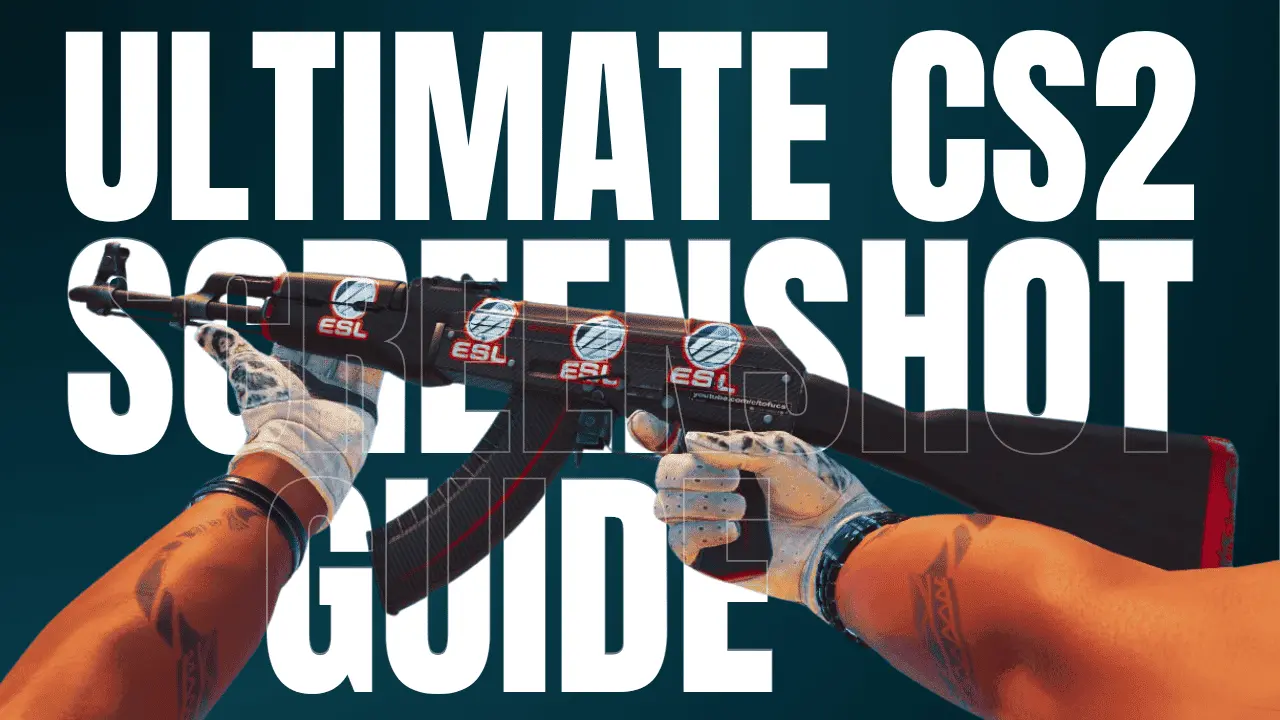
Capturing the perfect screenshot in Counter-Strike 2 isn’t just about pressing F12. With the transition to Source 2, the lighting and shaders have changed significantly, making skins look better than ever. In this guide, we’ll show you the best CS2 screenshot commands, settings, and tips to make your screenshots shine. Whether it’s a skin you want to make look good or a landscape from your favourite map.
Optimal Video Settings for Screenshots
Before you start, maximize your visual quality. You can always revert these settings for competitive play later:
Resolution: Switch to your monitor’s highest native resolution
Global Shadow Quality: High
Model/Texture Detail: High
Shader Detail: Very High (this makes skins like Dopplers or fades pop)
FidelityFX Super Resolution: Disabled (Keep it at “Native” to avoid blurriness)
2. Essential CS2 Console Commands
Make sure you’ve enabled the console in the settings. Many of these require sv_cheats 1.
Enables cheat-protected commands (required for most below):
sv_cheats 1Removes the entire HUD (radar, HP, ammo):
cl_drawhud 0Removes the version/build info text in the bottom left:
r_show_build_info falseAdjusts how much of the weapon is visible:
viewmodel_fov 68Locks your camera in place so you can move the viewmodel independently (Great for angles):
cl_lock_camera 1Removes all bots from the map:
bot_kickDisables the start-of-round freeze:
mp_freezetime 0Advanced Lighting & Positioning Tips
Use the Inspect Animation: Press
Fto inspect. Try capturing the screenshot at the peak of the animation.Map Choice Matters: Maps like Ancient have great green/natural lighting, while Inferno or Anubis offer warm, bright sunlight. For a clean look, try the “Workshop” screenshot maps.
Shadow Positioning: Pay attention to where the sun is. Position your character so the light hits the side of the weapon to emphasize the texture and wear.
Online Inpsect Servers
Picking a map is all about the vibe. The right lighting can make a skin look legendary, and a unique theme is essential when you’re looking to flex a little more than usual.
Conclusion
Taking pro-level screenshots in CS2 is all about the combination of high shaders and the right console commands. Whether you’re showcasing a new Emerald Doppler or a classic AK-47 Slate, these settings will ensure your captures look gallery-ready.